Your classroom, organized.
Plan lessons, manage attendance, communicate with families, and keep teaching information close at hand in one focused workspace.
 Sign in
MYCLASSROOM PLANNER
A private, all-in-one workspace for lesson planning, attendance, family communication, classroom organization, and school collaboration.
No payment required to begin. Choose a plan before the trial ends to continue editing.Plan lessons, manage attendance, communicate with families, and keep teaching information close at hand in one focused workspace.
Support up to 12 active accounts with shared curriculum, student and staff attendance, family communication, reviews, messages, branding, and school-wide organization.
BUILT AROUND A TEACHER’S DAY
Build weekly and monthly planbooks, add detailed lessons, repeat schedules, print plans, and import spreadsheet templates.
Record five attendance statuses, review attendance history, add optional student photos, and use signed-in QR check-in.
Track staff attendance and let school administrators help with teacher rosters when classroom coverage changes.
Authorized teachers can email parents and guardians privately from the roster, with templates, formatting, and delivery history.
Create typed or handwritten notes with Apple Pencil, another stylus, touch, or a mouse, then choose private or shared visibility.
Add appointments to Apple Calendar, Google Calendar, or Outlook and subscribe to eligible planner calendar feeds.
Publish school curriculum, assign it by grade or subject, share resources, and keep each teacher’s personal planner separate.
Private workspaces, role-based access, sign-in activity, security alerts, two-step verification, encrypted Site Vault records, HTTPS, and operational backups support safer use.
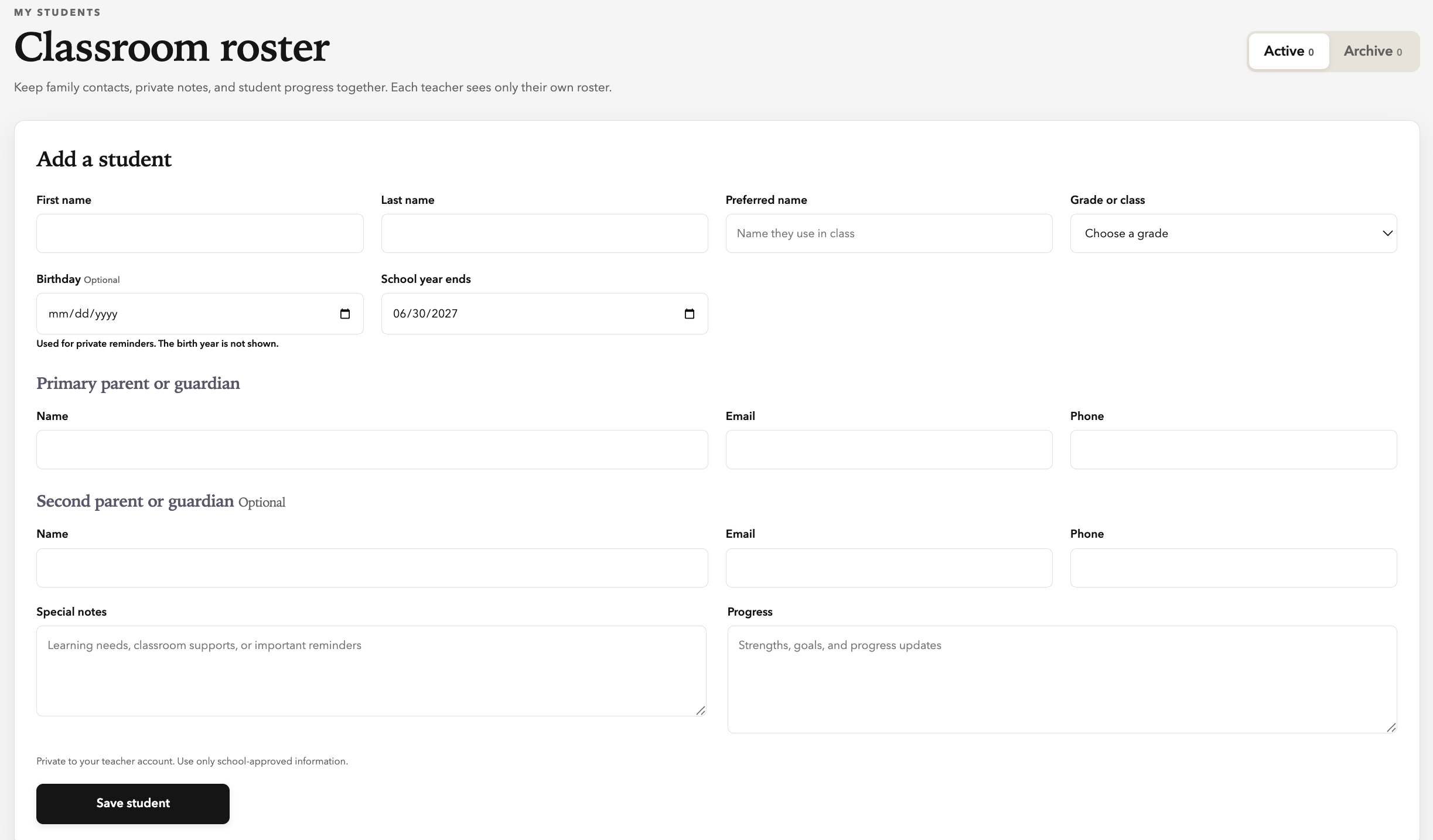
Daily history, administrator coverage, optional student photos, and signed-in QR check-in.
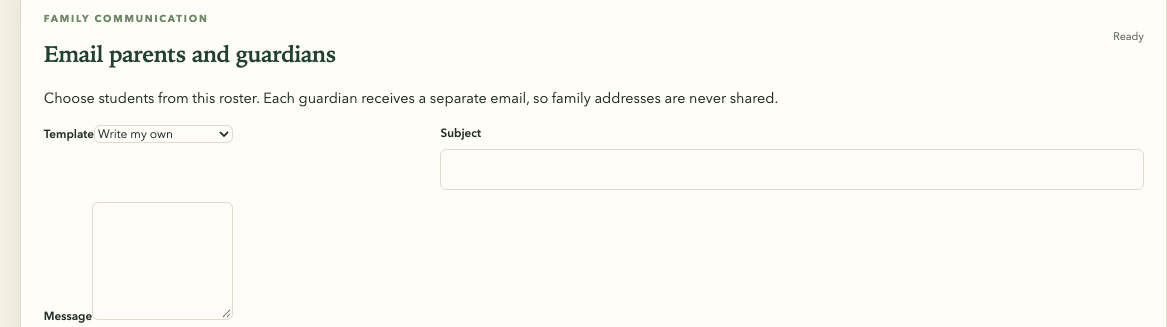
Send separate messages with formatting, templates, and delivery history.
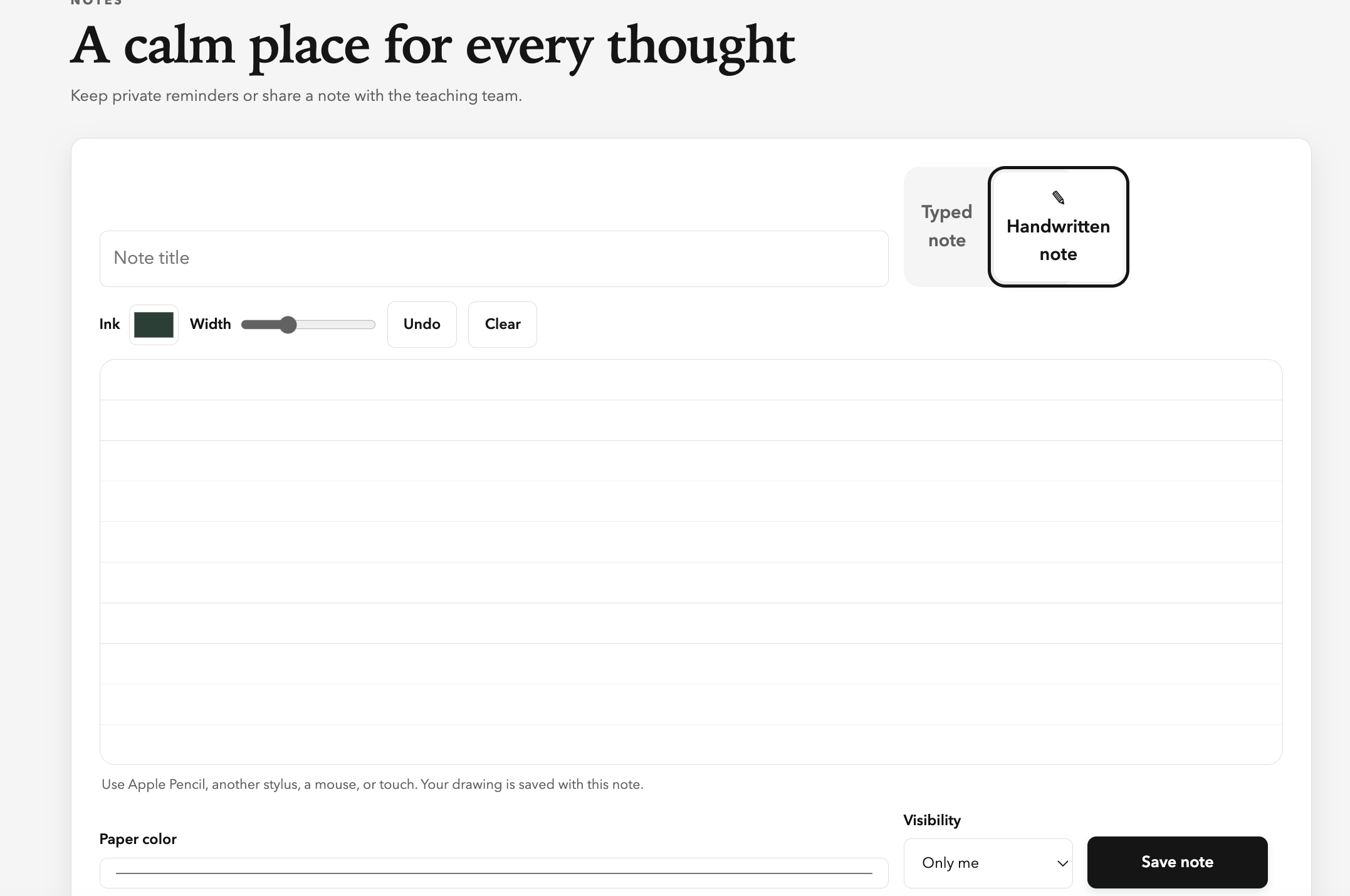
Use Apple Pencil, another stylus, touch, a mouse, or the keyboard.
SEE MYCLASSROOM PLANNER
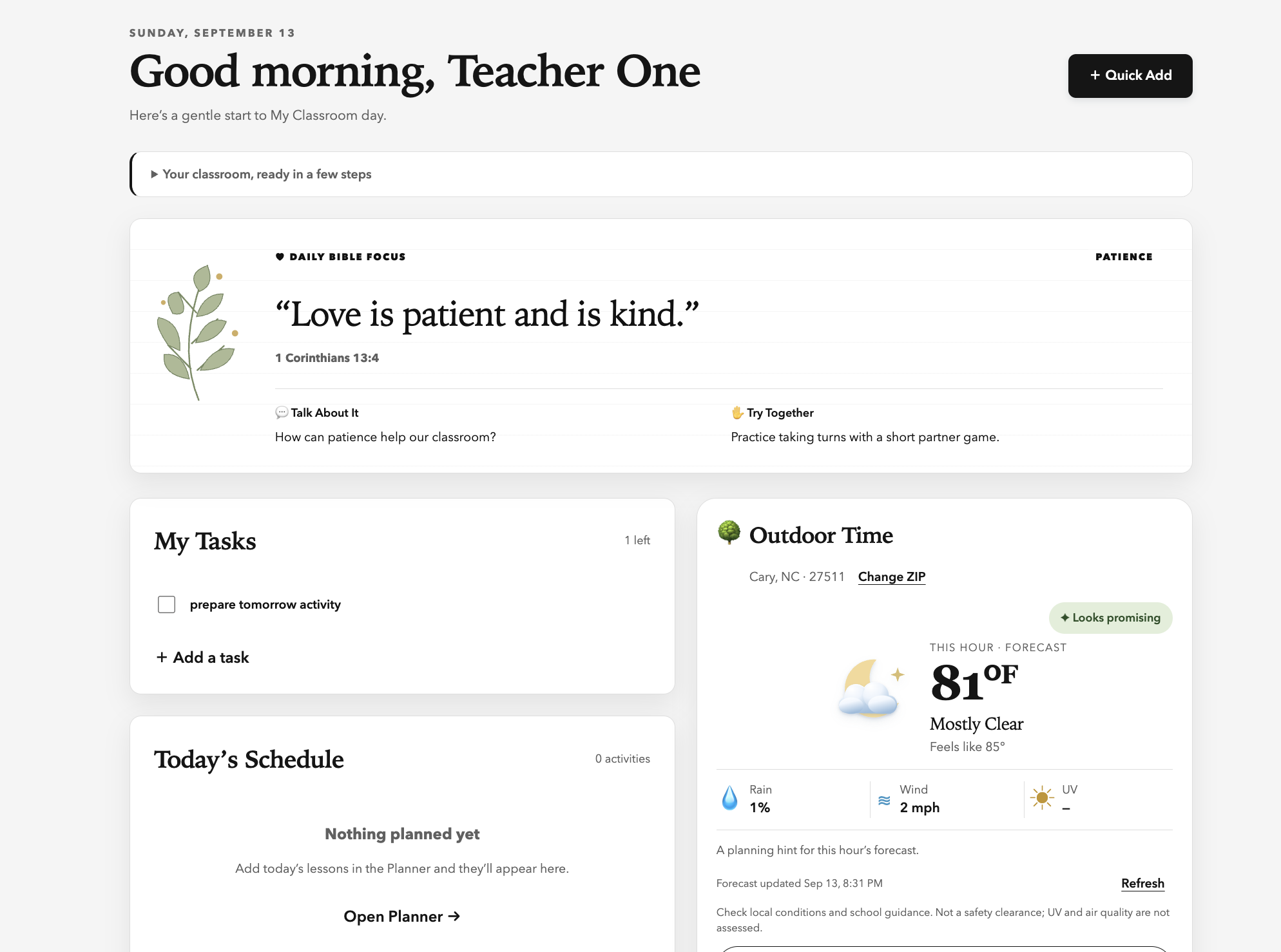
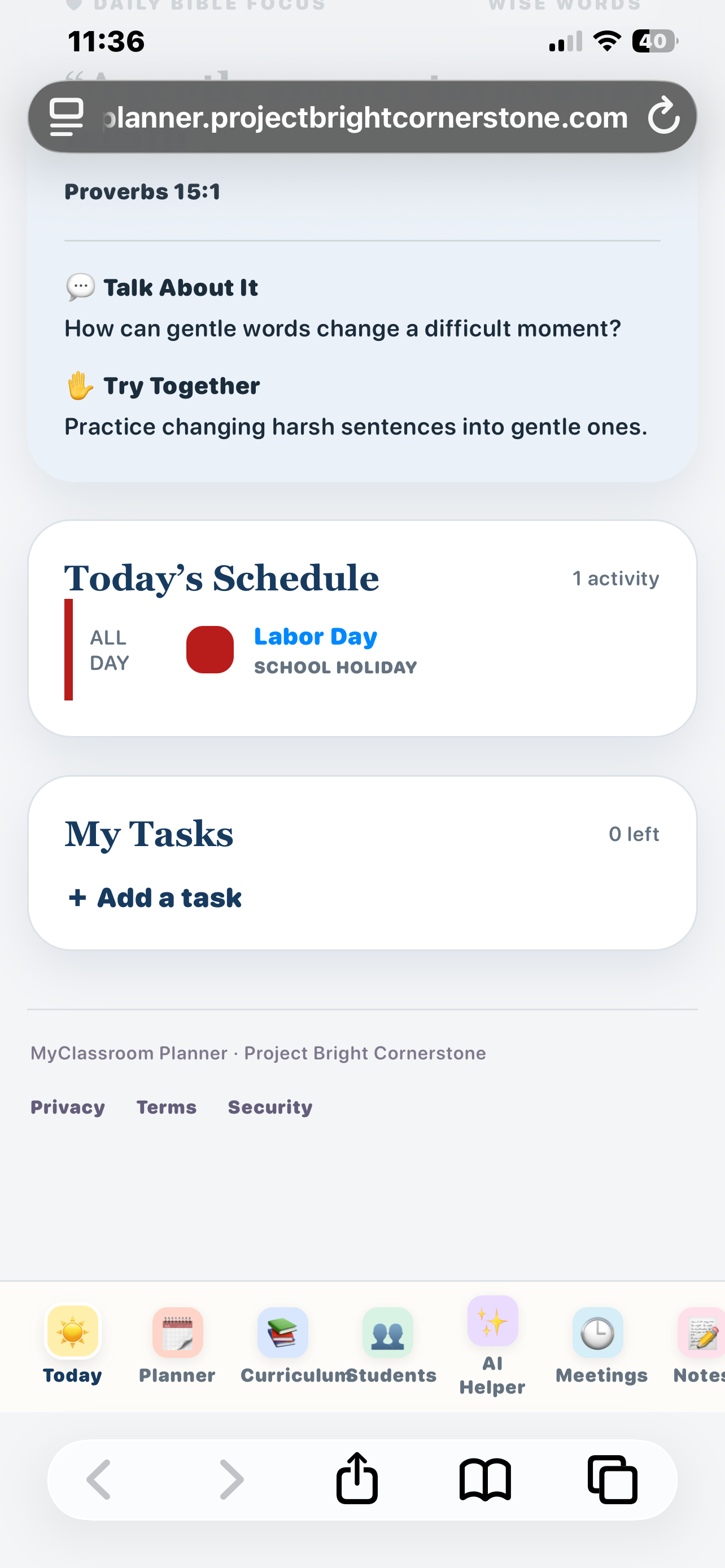
See the daily Bible focus, teaching tasks, today’s schedule, and an outdoor-time forecast together.
FOR THE WHOLE SCHOOL DAY
Teachers record daily student attendance while school administrators can access a teacher’s roster when coverage is needed. Staff attendance stays separate and clear.
Send a message from the student roster without exposing guardian addresses to other recipients.
Write naturally on an iPad or other device, then move appointments and eligible planner items into the calendar you already use.
A SIMPLE FLOW
OPTIONAL AI LESSON SUPPORT
The AI Lesson Helper can help teachers brainstorm activities, outline lessons, and improve a first draft more quickly. Teachers stay in control: every result should be reviewed before classroom use.
AI CREDITS
CREDIT PACK
POPULAR
CREDIT PACK
School accounts: Administrators can purchase pooled school credit packs and distribute credits to teachers from inside MyPlanner.
SIMPLE PRICING
INDIVIDUAL TEACHER
SCHOOL
SECURITY & RESPONSIBILITY
MyClassroom Planner combines practical safeguards with clear controls for teachers and administrators. Schools remain responsible for deciding what information is appropriate to enter and who should have access.
Read our Security & Data Practices →COMMON QUESTIONS
No. You can create an account and use MyClassroom Planner for 30 days without entering payment information.
Your information remains available, but the workspace becomes read-only until you select a monthly or yearly plan.
The school plan supports up to 12 active accounts and includes shared curriculum, student and staff attendance, parent communication, resources, messages, reviews, branding, security controls, and the core teacher tools.
Yes. A school owner or administrator can access same-school teacher rosters and student attendance when classroom coverage is needed. Staff attendance remains a separate administrative tool.
Each guardian receives a separate message, so family addresses are not placed together. Parent email begins disabled and must be enabled by the workspace owner or a school administrator.
No. MyClassroom Planner provides Apple and .ics calendar files, Google and Outlook add-to-calendar links, and eligible calendar subscription feeds. Changes made in an outside calendar do not automatically edit the planner.
AI is optional and purchased separately as one-time credit packs. Individual teachers can buy 25 credits for $4.99, 75 for $9.99, or 200 for $19.99. Credits do not renew automatically and remain available while the account is active. School administrators can purchase and distribute pooled school credits inside MyPlanner.
Yes. Manage Billing opens Stripe’s secure customer portal for payment methods, invoices, billing information, and cancellation.
No. Each school uses a separate private workspace. Access within a school depends on the user’s role and the visibility selected for each feature.
The app includes a Help & Guide and downloadable handbook. You can also email support@projectbrightcornerstone.com.
START WITH 30 DAYS FREE